Here’s something that blew my mind last year: nearly 67% of college students now game regularly, according to recent studies. Yet somehow, there’s still this weird stigma about buying a gaming laptop for school. I remember when my nephew asked me about getting one for his freshman year, and honestly? I almost steered him toward a regular laptop because I thought gaming rigs were just overpriced toys.
Man, was I wrong about that!
The thing is, gaming laptops for students have become this secret weapon that nobody talks about enough. They’re not just about playing Fortnite between classes—though let’s be real, that’s definitely a perk. These machines pack serious horsepower that can handle pretty much anything you throw at them, from video editing projects to running multiple programs during those brutal all-nighters.
My Nephew’s Epic Fail (That Taught Me Everything)
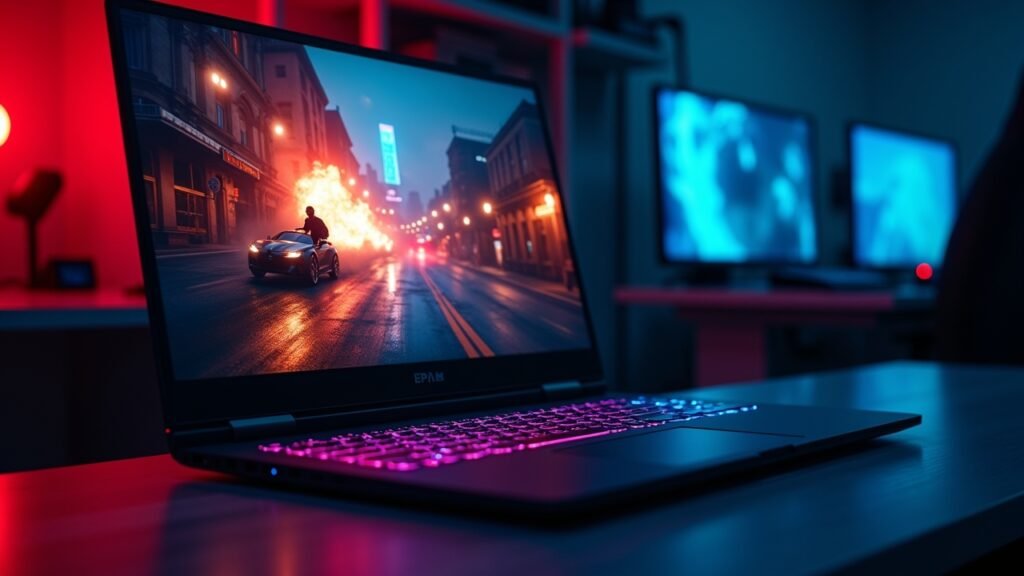
So my nephew Jake bought this cheap ultrabook his first semester. Looked sleek, was super light, perfect for carrying around campus. Three months in, he’s trying to run AutoCAD for his engineering class and the thing literally freezes every five minutes. Not ideal when you’ve got a project due in six hours and you’re already surviving on Red Bull and panic.
He ended up borrowing my old gaming laptop, and holy cow, the difference was night and day. Everything just worked. His rendering software ran smooth as butter, he could have like fifteen Chrome tabs open without the fan sounding like a jet engine, and yeah—he could actually blow off steam with some gaming when the stress got too much.
The Real Talk About Power and Performance
Listen, here’s what most people don’t get about student laptops. You need power. Period.
Gaming laptops come with dedicated graphics cards—usually NVIDIA RTX or AMD Radeon—and these aren’t just for games. They’re absolute lifesavers for:
- Video editing for that film studies project
- 3D modeling and CAD software for engineering majors
- Running virtual machines for computer science classes
- Graphic design work in Adobe Creative Suite
- Data analysis and coding projects
I’ve watched students struggle with regular laptops that just couldn’t handle the workload. Their devices would overheat, crash during important presentations, or take forever to render simple projects. Meanwhile, gaming laptops are built to handle intense processing for hours without breaking a sweat.
Battery Life and Portability (The Elephant in the Room)
Okay, I’m not gonna lie to you—older gaming laptops were absolute bricks. Heavy, bulky, and the battery life was a joke. You’d be lucky to get two hours unplugged, which basically meant you were tethered to an outlet like some kind of digital prisoner.
But things have changed big time! Modern gaming laptops have gotten way better. Sure, they’re still a bit heavier than those thin MacBook Airs everyone loves, but we’re talking 4-5 pounds instead of 7-8. And battery life? Many newer models can actually last 6-8 hours with normal use, which is plenty for a full day of classes.
My buddy Sarah carries her ASUS ROG everywhere, and she swears it’s not that bad once you get used to it. Plus, the build quality is usually rock solid compared to cheaper student laptops that feel like they’ll snap in half if you look at them wrong.
The Money Question Everyone’s Thinking About
Yeah, gaming laptops cost more upfront. There’s no getting around that fact, and I totally understand if you’re staring at your bank account wondering if you can justify spending $1,200 when there’s a $500 laptop right there.
But here’s my take after seeing too many students go through this: you’re gonna spend that money eventually anyway. Either you buy a decent gaming laptop once, or you buy a cheap laptop now and then upgrade in two years when it can’t keep up with your coursework. I’ve literally watched this cycle happen over and over.
Plus, think about what you’re actually getting. You don’t need separate devices—your laptop becomes your gaming console, your workstation, and your entertainment center all rolled into one. That’s actually pretty economical when you break it down.
Specs That Actually Matter for Student Life
Don’t get overwhelmed by all the tech specs. Here’s what you really need to focus on:
- At least 16GB of RAM (trust me on this one)
- A dedicated GPU with at least 6GB of VRAM
- 512GB SSD minimum (you can always add external storage)
- A decent processor—Intel Core i5 or AMD Ryzen 5 at minimum
- Good cooling system (because overheating is a real problem)
I made the mistake of thinking 8GB RAM was enough back in the day. Spoiler alert: it wasn’t. Not even close, especially when you’re running Zoom, Discord, your research browser tabs, and your actual coursework all at once.
Your Next Move in the Gaming Laptop Journey
Look, choosing the right laptop for college is super personal. What works for an engineering major might be overkill for someone studying literature (though honestly, even English majors need good laptops these days with all the multimedia stuff they’re doing).
The key thing is being honest about what you actually need versus what sounds cool in a sales pitch. Don’t just buy the cheapest gaming laptop because it’s “good enough”—but also don’t blow your entire student budget on specs you’ll never use.
If you’re still figuring out what’s right for your situation, Voltzora has tons more articles breaking down specific models, comparing features, and helping you make the smartest choice for your college journey. Because at the end of the day, your laptop is probably gonna be your most important tool for the next four years—might as well make it count!