Listen, I’ll be real with you – I spent three years gaming in a setup that would make an orthopedic surgeon weep. My neck felt like someone had installed rusty hinges in there, and my wrist? Don’t even get me started. Then I saw this stat that absolutely floored me: gamers who don’t practice proper ergonomics are 60% more likely to develop chronic pain issues. That’s when I knew I had to get my act together!
Here’s the thing about ergonomic gaming tips – they’re not just for the pros or people who game 12 hours a day. Even if you’re just squeezing in a few rounds after work, your body’s keeping score. And trust me, the bill comes due eventually.
The Chair Situation That Changed Everything
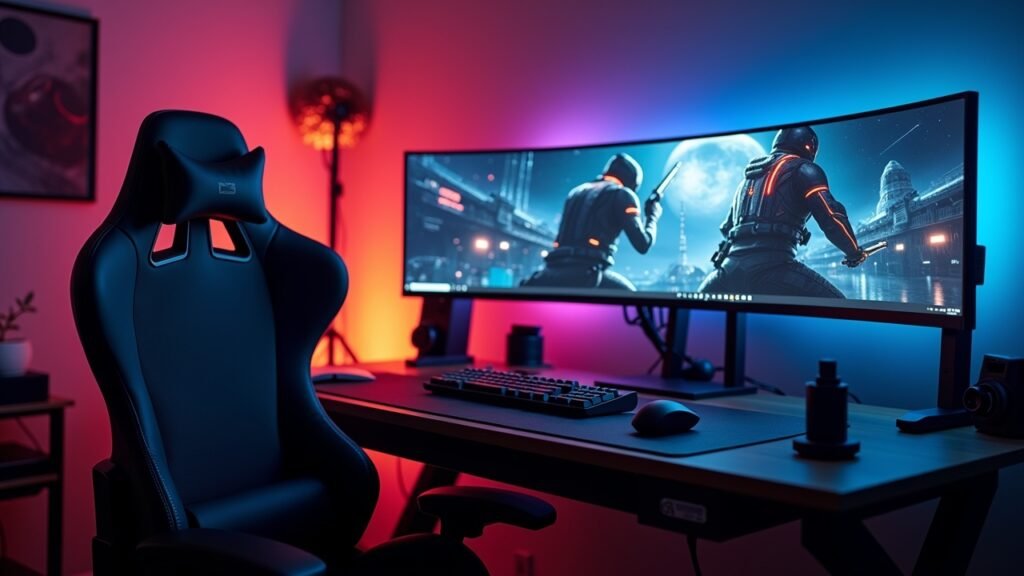
I used to game on this cheap office chair from like 2015. You know the type – wobbles when you lean back, cushion’s completely shot, and the armrests are basically decorative at this point. My posture was absolute garbage.
The first ergonomic gaming tip that actually made a difference was investing in a decent chair. Now, I’m not saying you need to drop a grand on some fancy setup, but your chair should support your lower back properly. Your feet should rest flat on the floor, and your thighs should be parallel to the ground. I learned this the hard way after developing what my doc called “gamer’s back” – which is apparently a real thing now.
Look for chairs with adjustable lumbar support and armrests. The armrests should let your shoulders relax naturally, not hunched up by your ears like you’re doing a permanent shrug. Once I got this sorted, my shoulder pain decreased by like 70% within a month!
Monitor Height: The Game-Changer Nobody Talks About
Okay, so this was probably my biggest mistake. I had my monitor sitting way too low, which meant I was basically looking down at my screen for hours. My neck was constantly strained, and I’d get these headaches that wouldn’t quit.
The top of your monitor should be at or slightly below eye level when you’re sitting up straight. Mine was about 6 inches too low! I ended up stacking some books under it initially (not pretty, but it worked), and eventually got a proper adjustable monitor arm that lets me position things perfectly.
Another thing – your monitor should be about an arm’s length away from your face. I used to lean forward like I was trying to climb into the screen, which wasn’t doing my posture any favors. The distance thing really helps reduce eye strain too, which is a nice bonus.
Keyboard and Mouse Placement That Actually Works
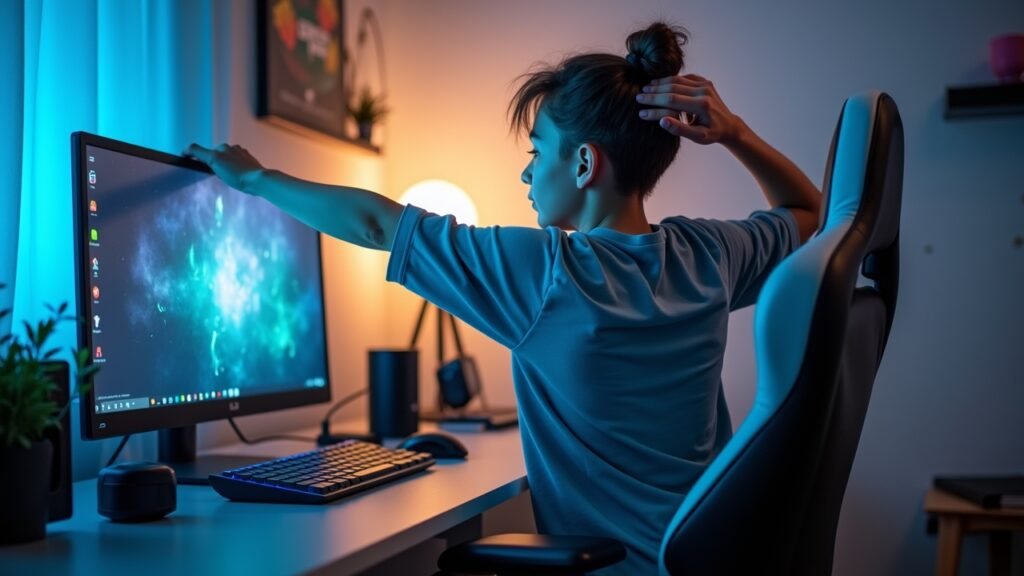
Here’s where I really messed up initially. My keyboard was way too high, and my mouse was basically in another zip code compared to where my hand naturally rested. I developed some gnarly wrist pain that made even typing hurt.
Your keyboard should be positioned so your elbows are at about a 90-degree angle when you’re typing. Your wrists should float in a neutral position – not bent up or down. I got one of those ergonomic keyboards with a wrist rest, and honestly? Total game-changer for my carpal tunnel symptoms.
The mouse needs to be close enough that you’re not reaching for it constantly. Mine used to be too far away, and my shoulder would get super tight from extending my arm all the time. Now I keep it right next to my keyboard, and my arm stays in a comfortable position throughout my gaming sessions.
The 20-20-20 Rule (Yes, It’s Annoying, But It Works)
I hate taking breaks when I’m in the zone. Like, really hate it. But eye strain is real, folks, and it can mess with your gaming performance big time.
The rule’s simple: every 20 minutes, look at something 20 feet away for 20 seconds. I set a timer on my phone because otherwise I’d completely forget. At first it felt super disruptive, but now it’s just part of my routine. Plus, it gives me a chance to stretch my neck and roll my shoulders back, which helps prevent that hunched-over gamer posture we all fall into.
Lighting: The Secret Ingredient Everyone Forgets
Proper lighting setup was something I totally overlooked for years. I used to game in either complete darkness or with a harsh overhead light that created crazy glare on my screen. Both scenarios were terrible for my eyes and contributed to headaches.
Ambient lighting behind your monitor is where it’s at! I got some LED strips that reduce the contrast between my bright screen and the dark room. The difference was immediately noticeable – way less eye fatigue. Also, positioning your monitor away from windows helps minimize glare during daytime gaming sessions.
Your Gaming Sessions Don’t Have to Wreck Your Body
Look, I get it – worrying about ergonomics isn’t as exciting as planning your next build or ranking up. But trust me, future you will be super grateful that present you took these steps. Since implementing these ergonomic gaming tips, my chronic pain has decreased significantly, my gaming performance has actually improved (better posture = better focus!), and I can actually play for longer without feeling like I need a full-body massage afterward.
Start with one or two changes and build from there. You don’t have to overhaul your entire setup overnight. Maybe adjust your chair height today, move your monitor tomorrow, and gradually work toward a fully ergonomic setup. Your body’s gonna thank you for it.
Want more tips on optimizing your gaming experience and taking care of yourself while doing what you love? Head over to Voltzora where we’ve got tons of articles covering everything from gear reviews to health tips for gamers. Because gaming should enhance your life, not mess up your body!