Look, I’m just gonna be straight with you – my gaming setup used to look like a spaghetti factory exploded under my desk. Seriously, I once spent twenty minutes searching for my phone charger only to find it tangled with my headset cable, mouse cord, and what I think was an old ethernet cable from 2018. If you’ve ever pulled your desk away from the wall and felt actual shame at what you discovered back there, you’re in the right place!
Cable management for gaming isn’t just about aesthetics (though let’s be honest, a clean setup does look sick). It’s about making your gaming space functional, keeping your equipment from getting damaged, and honestly, not tripping over cables when you’re rage-quitting at 2 AM.
Why Gaming Cable Management Actually Matters
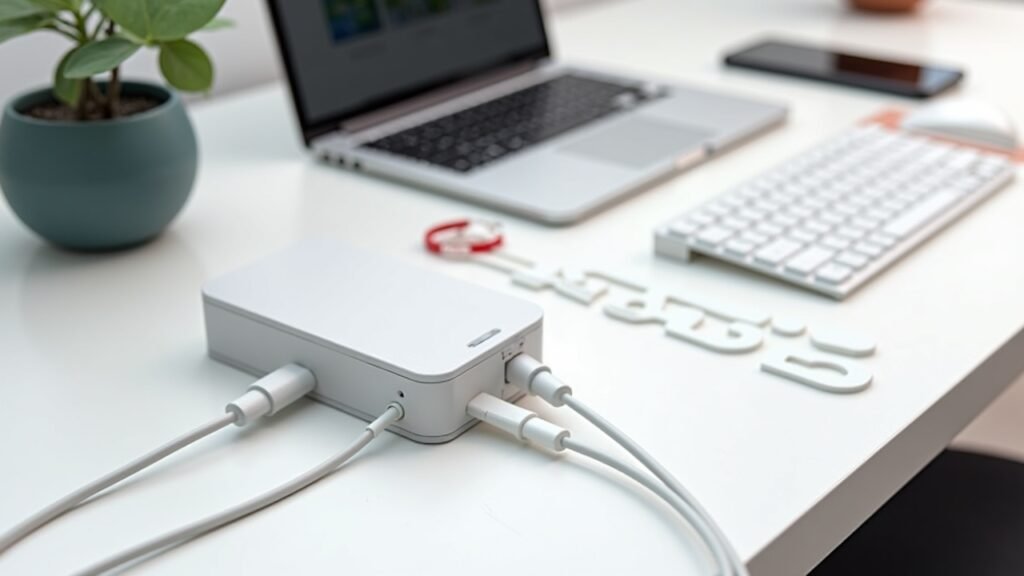
Here’s the thing nobody tells you when you’re building your dream gaming rig. All those peripherals? They come with cables. Lots of them.
I learned this the hard way when my cat knocked over my entire desk setup because she got tangled in the mess of wires hanging down like some kind of electronic jungle gym. My mechanical keyboard took a three-foot dive, and I’m pretty sure I heard my wallet crying that day. That’s when I realized proper cable routing wasn’t optional – it was survival.
Plus, tangled cables can actually mess with your gaming performance. I kid you not, my mouse cord used to get snagged on my keyboard cable during intense Call of Duty sessions, and I’d miss critical shots because of it.
The Essential Gaming Cable Management Tools You Actually Need
Okay, so after my cat-astrophe (see what I did there?), I went on a mission to figure out this whole cable organization thing. Here’s what worked for me without breaking the bank.
Cable Sleeves and Wraps
These are like magic. Basically, you bunch multiple cables together and slide them into this flexible sleeve thing. It turned my seven different cables into what looked like one thick cable, which was way easier to manage. I got a neoprene cable sleeve from Amazon for like fifteen bucks, and it changed everything.
Velcro Cable Ties
Dude, forget zip ties. I made that mistake initially and cutting them every time I needed to rearrange something was the worst. Velcro ties are reusable, adjustable, and they don’t cut into your cables like those plastic ones sometimes do. I probably have about twenty of these scattered around my desk now.
Cable Clips and Holders
These little adhesive clips stick to the edge of your desk and keep cables from falling behind it. Game changer! No more fishing around in the dust bunnies behind your desk for your headphone cable. I use them to route my mouse cable specifically, keeping it in a consistent position for better mouse movement.
My Step-by-Step Gaming Desk Cable Management Process
Alright, so here’s how I actually tackled this mess. Fair warning: it took me a whole Saturday afternoon, but it was totally worth it.
First, I unplugged everything. Yeah, everything. It felt scary, but you gotta start with a clean slate. Take a photo of your setup first though – I forgot where my speakers were plugged in and spent an hour troubleshooting why there was no sound.
Next, I sorted cables by priority. Gaming mouse and keyboard cables needed to be super accessible. My monitor cables and PC power cables could be hidden away since I never touch those. USB cables for charging controllers went in a different group.
Then I used a cable raceway along the back of my desk. This is basically a plastic channel that sticks to your desk and hides all the cables running along it. My setup looks ten times cleaner now, and visitors actually compliment my desk instead of asking if I need help organizing.
The Under-Desk Situation
This is where things got real for me. I mounted a power strip under my desk using heavy-duty velcro (the industrial kind, not the wimpy stuff). Now all my devices plug into that, and I only have one cable running to the wall outlet. It’s like cable management nirvana under there now.
I also got this under-desk cable tray from IKEA – the SIGNUM if you’re curious – and it holds all my excess cable length. No more loops of cable just chilling on the floor collecting dust.
Gaming-Specific Cable Management Tricks
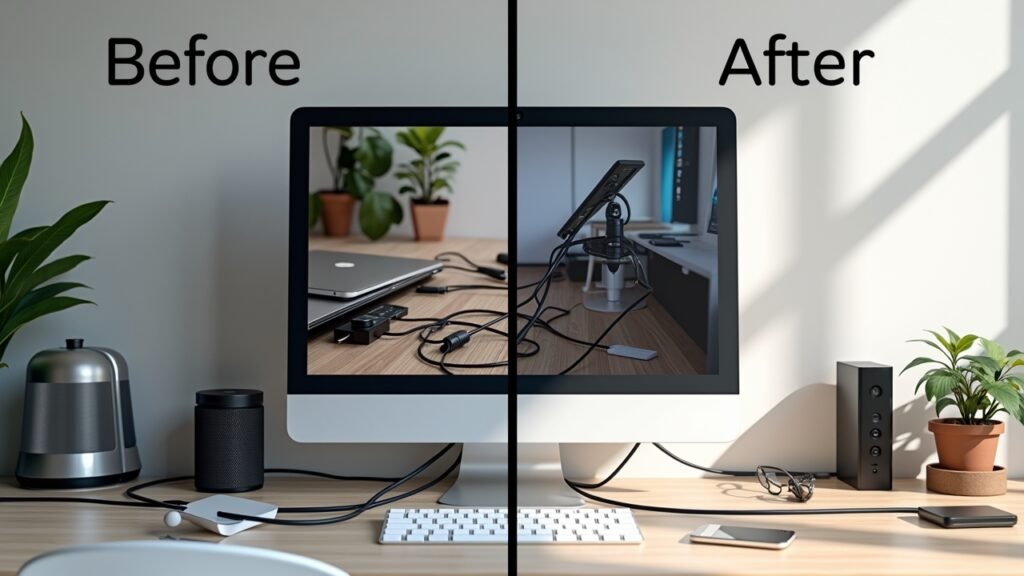
Here’s where I learned some hard lessons specific to gaming setups that regular office cable management guides don’t tell you about.
Mouse cable management is critical. I switched to a mouse bungee after dealing with cable drag for way too long. It’s this little spring-loaded arm that holds your mouse cable up and gives you consistent tension. Honestly wish I’d gotten one years ago because my aim improved noticeably once my cable wasn’t fighting me.
Keep charging cables accessible. Your controller will die at the worst possible moment – usually right before a boss fight. I keep a braided USB cable clipped to the side of my desk specifically for this. It’s long enough to reach my couch when I’m playing on my TV too.
RGB cables need love too. If you’re into RGB lighting (and honestly, who isn’t?), those controller cables and hubs can add another layer of complexity. I routed mine through the same cable sleeve as my monitor cables since they all go to the same place anyway.
Time to Level Up Your Setup
Look, I’m not gonna lie and say my cable management is perfect now. Sometimes I still find a random cable that I have no idea what it’s for (seriously, what is this mini USB cable even connected to?). But it’s a million times better than it used to be, and my gaming experience improved because of it.
The key is to start somewhere. Even if you just organize one section of your desk this weekend, that’s progress. Your future self will thank you when you’re not wrestling with cables during a crucial gaming moment.
Remember, cable management is an ongoing thing, not a one-and-done deal. Every time you add new gear, take a few minutes to integrate it properly into your system. Trust me, it’s way easier than dealing with cable chaos later.
Want more tips on optimizing your gaming setup? Head over to Voltzora where we’ve got tons of other articles about making your gaming space work better for you. Because life’s too short for tangled cables, my friend!