Here’s something that’ll blow your mind: I once spent two grand on a gaming rig with a killer GPU and processor, but I cheap-ed out on the storage. Guess what? My buddy with a way less expensive setup was loading into matches before I even finished reading the tips on the loading screen! That’s when I learned that the whole SSD vs HDD gaming debate isn’t just tech-nerd nonsense—it actually changes how you game.
Look, I get it. When you’re building or upgrading your gaming PC, storage seems like the boring part. Everyone wants to talk about graphics cards and RGB lighting, right? But trust me, after playing on both types of drives for years, the difference between solid state drives and traditional hard disk drives is like night and day for gaming performance.
The Basics: What’s Really Going On Inside These Things
So here’s the deal with HDDs. They’ve got these spinning magnetic platters inside—kinda like tiny record players, actually. A mechanical arm has to physically move around to read your data, and that takes time.
SSDs are completely different beasts. No moving parts whatsoever. They use flash memory chips (similar to what’s in your phone) to store data, which means they can grab information way faster. When I first upgraded to an SSD, I honestly thought something was broken because games loaded so quick!
The speed difference isn’t just a little bump either—we’re talking SSDs being 5-10 times faster in most gaming scenarios. That’s huge.
Loading Times: Where SSDs Absolutely Destroy HDDs
Remember when I mentioned my buddy beating me into matches? Yeah, that was embarrassing. Games like Call of Duty or Red Dead Redemption 2 have massive open worlds and tons of assets to load.
With my old HDD, I’d wait like 2-3 minutes for some games to boot up. Sometimes I’d go make a sandwich! After switching to an NVMe SSD, those same games loaded in 30-45 seconds. The performance improvement was honestly shocking.
Here’s something specific: Cyberpunk 2077 took about 3 minutes to load on my HDD. On my Samsung 980 Pro SSD, it’s down to around 40 seconds. That adds up when you’re dying repeatedly (which, let’s be honest, happens to all of us).
In-Game Performance: The Truth Nobody Tells You
Now, here’s where people get confused. Your FPS (frames per second) won’t really change between an SSD and HDD—that’s all about your GPU and processor.
But here’s what does change: texture pop-in and stuttering. I was playing Forza Horizon 5 on my HDD, and I’d get these annoying moments where buildings or textures would just suddenly appear. Super distracting when you’re racing at 200 mph! That’s because the hard drive couldn’t feed data to the game fast enough.
After moving the game to my SSD? Buttery smooth. The game could stream assets way faster, so everything just appeared when it should. It’s not technically higher frame rates, but it feels smoother, you know?
The Storage Capacity Headache
Okay, real talk—this is where HDDs still have an advantage. You can grab a 2TB HDD for like 50 bucks, while a decent 2TB SSD might run you 150-200 dollars. That’s a pretty big price difference when you’ve got 15 games installed!
My solution? A combo setup. I’ve got a 1TB NVMe SSD for my operating system and the 3-5 games I’m actively playing, plus a 2TB HDD for everything else. Works perfectly, and it didn’t completely drain my wallet.
Pro tip: just move games between drives when you want to play them. Steam and other platforms make this super easy now.
Durability and Noise (The Stuff Nobody Thinks About)
Here’s something I learned the hard way: HDDs can fail. Like, spectacularly. I lost an entire drive once because I accidentally bumped my PC while it was running. Those spinning platters don’t like sudden movements!
SSDs have no moving parts, so they’re way more durable. Plus, they’re completely silent. My old HDD sounded like a tiny helicopter taking off every time I launched a game. My roommate actually thanked me after I upgraded because my gaming sessions got way quieter.
Making the Right Choice for Your Setup
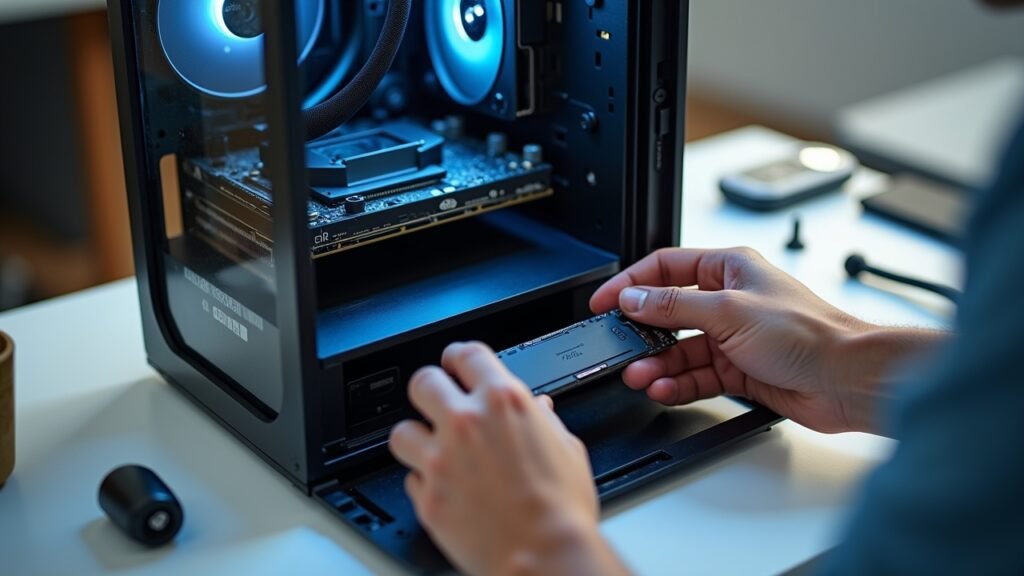
If you’re building a new gaming PC in 2026, honestly, just get an SSD for your main drive. At least 500GB, but 1TB is the sweet spot for most gamers. The load time improvements alone make it worth every penny.
Already got a gaming rig? Even adding a small SSD just for your OS and favorite games will change your life. I’m not even exaggerating—it was the single best upgrade I’ve made, better than when I upgraded my graphics card!
For competitive gaming especially, those faster load times mean you’re not the last person joining the match. In battle royale games, spawning in earlier can actually give you an advantage. Every second counts!
What About External Drives?

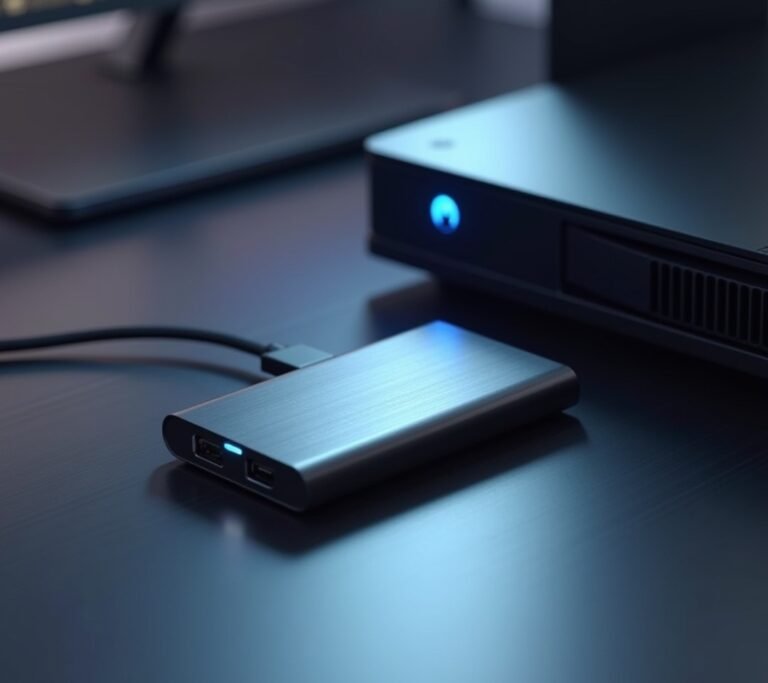
Quick tangent here: external SSDs are also awesome for gaming laptops. I’ve got a portable SSD that I use with my laptop, and it’s way better than the internal HDD it came with. Just make sure you get one with USB 3.0 or higher—USB 2.0 will bottleneck the speed.
Time to Level Up Your Storage Game
Look, I spent way too long being stubborn about storage. “It’s just where files sit,” I thought. Wrong! The SSD vs HDD gaming debate has a clear winner for performance, and that’s solid state drives all the way.
Yeah, HDDs are cheaper per gigabyte, and they’re fine for storing movies or backup files. But for gaming? The speed difference is too massive to ignore. Your gaming experience will genuinely improve with faster loading screens, reduced stuttering, and smoother gameplay.
Start small if budget’s tight—even a 500GB SSD for your most-played games makes a huge difference. You can always add more storage later. Just don’t make my mistake and skimp on something that actually matters this much!
Want more tips on optimizing your gaming setup? Head over to Voltzora where we’ve got tons of articles about getting the most out of your gaming hardware without breaking the bank!