Here’s something that’ll make you cringe: studies show that dust buildup can increase your PC’s operating temperature by up to 20 degrees Celsius! I learned this the hard way when my gaming rig started sounding like a jet engine during a crucial raid. Turns out, I’d been neglecting my PC maintenance for almost two years – yeah, I know, rookie mistake.
Keeping your gaming PC clean isn’t just about aesthetics or being OCD about tech. It’s literally about keeping your expensive components alive and your frame rates high. When I finally opened up my case that day, I swear there was enough dust in there to knit a sweater.
Why Your Gaming Beast Needs Regular Spa Days
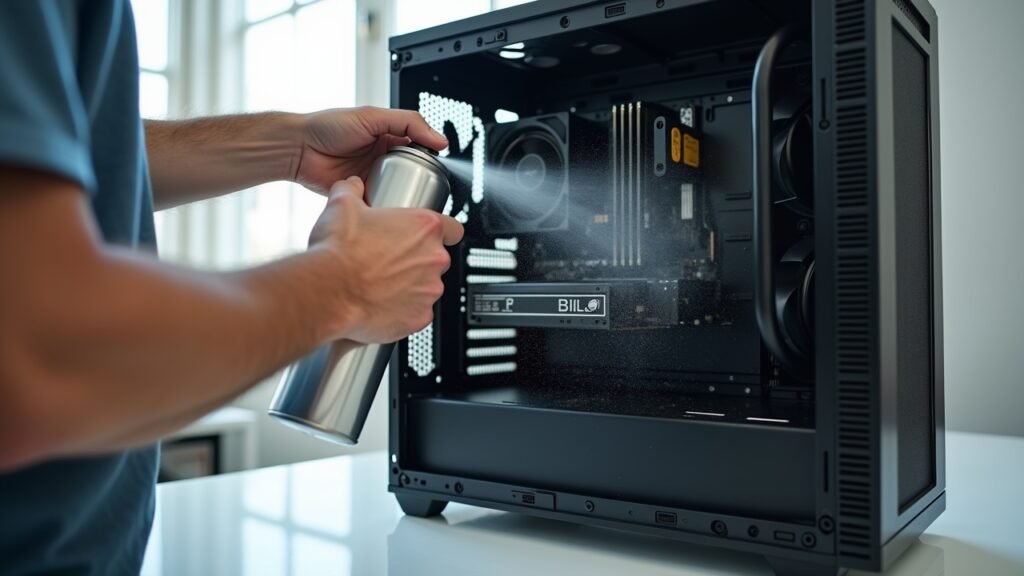
Look, I get it. We’re gamers, not janitors. But here’s the deal – dust is basically kryptonite for your PC components. It clogs up your cooling system, makes your fans work overtime, and can even cause static electricity buildup that damages delicate circuits.
My GTX card was running at 85°C under load before I cleaned it. After? A cool 68°C. That’s a massive difference that extends the lifespan of your hardware by literally years.
Gathering Your Cleaning Arsenal
Before you start tearing into your rig, you’ll need some supplies. Don’t worry – you probably already have most of this stuff lying around, and if not, it’s pretty cheap.
- Compressed air cans (grab at least two)
- Microfiber cloths (paper towels are the enemy here)
- Isopropyl alcohol (90% or higher)
- Cotton swabs for tight spots
- Small brush with soft bristles
- Anti-static wrist strap (optional but recommended)
Pro tip: I once used a vacuum cleaner thinking I was being clever. Bad idea! The static electricity nearly killed my motherboard. Stick with compressed air, trust me on this one.
The Step-by-Step Deep Clean Process
Alright, let’s get down to business. First things first – shut down your PC completely and unplug everything. I mean everything. Power cable, monitor, mouse, keyboard, your gaming headset, all of it.
Move your tower to a well-lit area, preferably somewhere you don’t mind getting a bit dusty. Your kitchen table works, but maybe put down some newspaper first unless you want your significant other giving you the stink eye.
Opening Up and Initial Dust Removal
Pop off that side panel (usually just a couple thumbscrews). Take a second to just… look at the situation. Is it bad? Is it “how is this thing even running” bad? Don’t panic – we’ve all been there.
Grab your compressed air and start with short bursts. Hold the can upright (seriously, don’t tilt it or you’ll spray liquid everywhere – learned that one the messy way). Work from top to bottom, letting gravity do some of the work for you.
Tackling the Fans and Filters
Your case fans and dust filters are where the magic happens. Or in my case, where the horror lived. When cleaning fans, hold them still with your finger – letting them spin freely from the air pressure can actually damage the bearings.
If your case has removable dust filters, take them out and wash them with warm water and mild soap. Let them dry completely before putting them back. I usually do this part while I’m cleaning the rest of the PC so they have time to air dry.
The Graphics Card and CPU Cooler
These are the VIPs of your system, so treat them with respect. Use gentle bursts of compressed air around your GPU and between the heatsink fins of your CPU cooler.
The thermal paste on your CPU doesn’t need replacing every cleaning – only if you’re seeing temperature issues or it’s been more than three years. When I first started, I was changing it every six months like some kind of maniac. Total waste of time and thermal compound.
Don’t Forget the Peripherals
While you’re at it, give your keyboard and mouse some love too. Use those cotton swabs dipped in isopropyl alcohol to get between the keys. My mechanical keyboard had what I can only describe as a “snack graveyard” underneath the keycaps. Gross, but satisfying to clean.
How Often Should You Actually Do This?
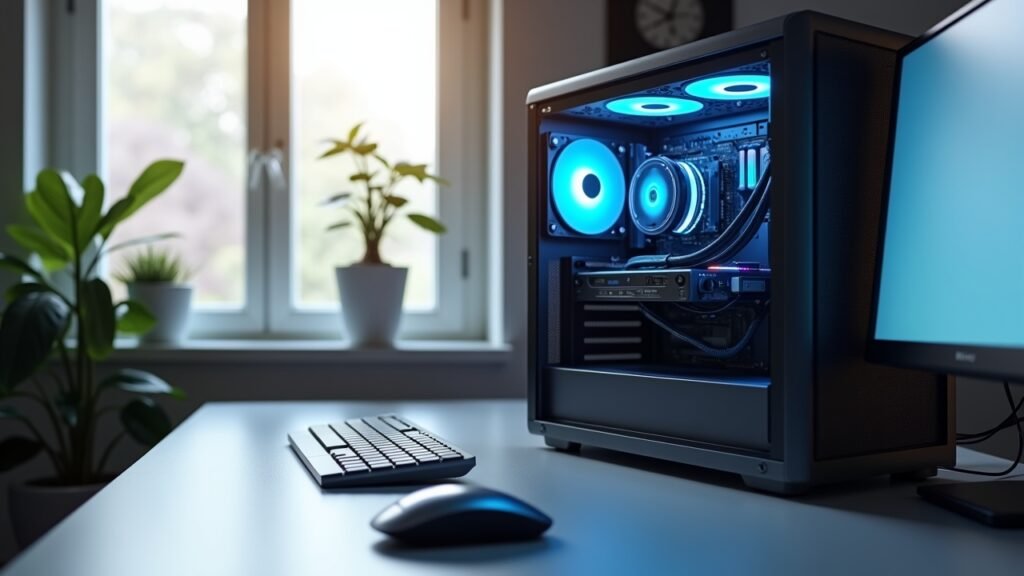
Here’s where I’ll give you some real talk based on my experience. If you’ve got pets or live in a dusty area, you should be doing a quick clean every month and a deep clean every three months. For everyone else, a thorough cleaning every six months is usually enough.
I set a reminder on my phone now because I’m terrible at remembering otherwise. It’s saved me from another “jet engine incident” more than once.
Time to Give Your Rig Some TLC
Cleaning your gaming PC might seem like a chore, but it’s honestly one of the best things you can do for your setup. Better temperatures mean better performance, quieter operation, and hardware that’ll last way longer. Plus, there’s something oddly satisfying about seeing all that dust flying out of your case.
Remember, every PC setup is different, so adjust these tips to fit your specific components and environment. The key is just being consistent and gentle with your expensive tech.
Want more tips on keeping your gaming setup in peak condition? Head over to Voltzora where we’ve got tons of guides on PC maintenance, hardware reviews, and gaming optimization techniques that actually work!