Did you know that pro gamers replace their keyboards every 6-12 months, but most of them started with budget boards under a hundred bucks? I’ll be honest—when I first got into PC gaming back in 2019, I thought spending big money on a keyboard was the only way to get decent performance. Boy, was I wrong!
Here’s the thing: you don’t need to drop $200 on a fancy RGB monstrosity to get solid gaming performance. After going through five different mechanical keyboards in three years (yeah, I got a little obsessed), I’ve learned that the sub-$100 market is absolutely packed with incredible options that’ll make your gaming experience so much better without emptying your wallet.
Why Mechanical Keyboards Actually Matter for Gaming
Okay, so my first “gaming keyboard” was this mushy membrane thing I got at Best Buy for like $25. It worked, sure, but man—the difference when I finally upgraded to a mechanical board was night and day! The tactile feedback alone changed how I played FPS games completely.
Mechanical switches give you faster response times because they register keypresses partway through the stroke, not at the bottom like those squishy membrane keyboards. This means you’re literally getting your commands into the game milliseconds faster, which sounds small but trust me, it matters when you’re clutching in Valorant or trying to land that perfect combo in fighting games.
Plus, they just feel better. Like, way better. Once you’ve typed on quality mechanical switches, going back to a regular keyboard feels like typing through pudding.
What to Look for in Budget Gaming Keyboards
Here’s where I made my biggest mistakes early on. I got totally distracted by flashy RGB lighting and ignored the stuff that actually mattered! Let me save you some headaches.
Switch Types Matter More Than You Think
The three main types you’ll see are linear (smooth all the way down), tactile (little bump when you press), and clicky (bump plus audible click). I personally swear by tactile switches like Cherry MX Browns or their equivalents because they’re perfect for both gaming and typing.
Linear switches like Reds are super popular with gamers though. They’re smooth as butter and great for rapid keypresses in games like League of Legends where you’re mashing buttons constantly.
Build Quality Over Bells and Whistles
I bought this super cheap keyboard once that had every color of the rainbow shooting out of it, but the thing felt like it was made from recycled milk jugs. It lasted about four months before keys started double-registering, which is basically a death sentence for competitive gaming.
Look for aluminum or steel backplates instead of plastic. The weight actually helps—heavier keyboards don’t slide around during intense gaming sessions, which used to drive me absolutely crazy with my first board.
My Top Picks Under $100 (From Actual Experience)
I’ve personally tested most of these, and the ones I haven’t, my gaming buddies have put through the wringer. These aren’t just specs from a website—this is real-world performance stuff.
The Reliable Workhorse
The Keychron C1 sits right around $70 and honestly punches way above its weight class. I used this board for almost a year straight, and it never let me down once. The hot-swappable switch option (on some models) is clutch if you want to experiment with different switches later without buying a whole new keyboard.
It’s got that satisfying heft to it, the keycaps are decent quality PBT plastic that won’t get shiny and gross after a few months, and the typing experience is just solid. No frills, no nonsense.
Best Bang for Buck
The Redragon K552 Kumara usually runs about $40-50, and look—I know Redragon isn’t a household name, but this little tenkeyless board is legitimately good! I recommended it to my nephew last year and he’s still using it for Fortnite marathons.
Yeah, the keycaps feel a bit cheaper than pricier boards, and the stabilizers could be better (the spacebar has a little rattle), but for the money? It’s honestly incredible. The Outemu Blue switches are clicky and responsive, though your family might hate you if you game late at night with these bad boys.
The Feature-Packed Option
If you can stretch your budget to around $90-100, the HyperX Alloy Origins Core is where it’s at. HyperX’s own switches feel amazing—super smooth and consistent. I borrowed my friend’s for a weekend once and almost didn’t give it back!
The software is actually intuitive (shocking, I know), the RGB looks clean without being obnoxious, and the build quality feels premium. It’s also got full n-key rollover, which means every single keypress registers even if you’re mashing ten keys at once like a maniac.
Common Pitfalls I’ve Fallen Into (So You Don’t Have To)
Don’t make the same dumb mistakes I did. Seriously, learn from my pain!
- Ignoring the return policy: Always buy from somewhere with a good return policy because switches are personal preference, and what works for someone else might feel terrible to you.
- Forgetting about noise levels: I bought a board with Blue switches once and my roommate nearly murdered me. If you live with other people or game at night, go for quieter switches like Reds or Browns.
- Skipping wrist rest consideration: Most budget boards don’t include wrist rests, but your wrists will thank you for grabbing a separate one. Trust me on this—carpal tunnel is no joke.
- Not checking keycap compatibility: Some cheaper keyboards use non-standard bottom rows, which makes upgrading keycaps later super annoying.
Maintenance Tips That Actually Work
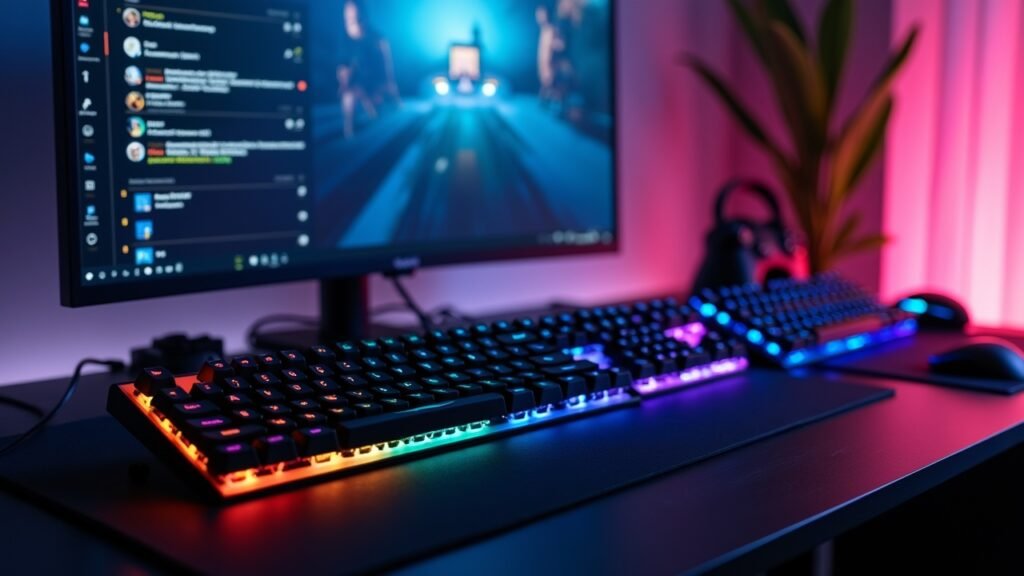
Here’s something nobody tells you—mechanical keyboards need occasional cleaning! I learned this the hard way when my spacebar started feeling crunchy after a year of Dorito dust accumulation. Gross, I know.
Every few months, pop off the keycaps (get a cheap keycap puller, they’re like $5) and give everything a good cleaning with compressed air and isopropyl alcohol. It takes maybe 20 minutes and makes your keyboard feel brand new again. Game-changer, literally.
Your Next Move in the Gaming Keyboard World
Look, at the end of the day, the best gaming keyboard under $100 is the one that feels right to you. I’ve given you my recommendations based on actual use, but everyone’s hands and preferences are different. If possible, try to test some switches in person at a local electronics store before committing to a purchase.
The awesome thing about the budget keyboard market right now is that you’re really not sacrificing much compared to premium options. Sure, you might miss out on some fancy software features or premium materials, but for pure gaming performance? These sub-$100 boards will serve you incredibly well.
Want to level up other parts of your gaming setup without breaking the bank? Head back to Voltzora where we’ve got tons of guides on budget gaming gear that actually performs. Because great gaming shouldn’t require a second mortgage!