So here’s a fun fact that caught me off guard when I first started streaming my Apex Legends sessions back in 2022: nearly 70% of new streamers quit within their first three months, and I almost became one of them! Why? Because I thought my killer gaming rig would handle streaming like a champ. Spoiler alert – it didn’t.
Understanding the difference between a streaming PC and a gaming PC is honestly crucial if you’re serious about content creation. I learned this the expensive way, and I’m hoping to save you from making the same mistakes I did.
What Makes a Gaming PC Tick
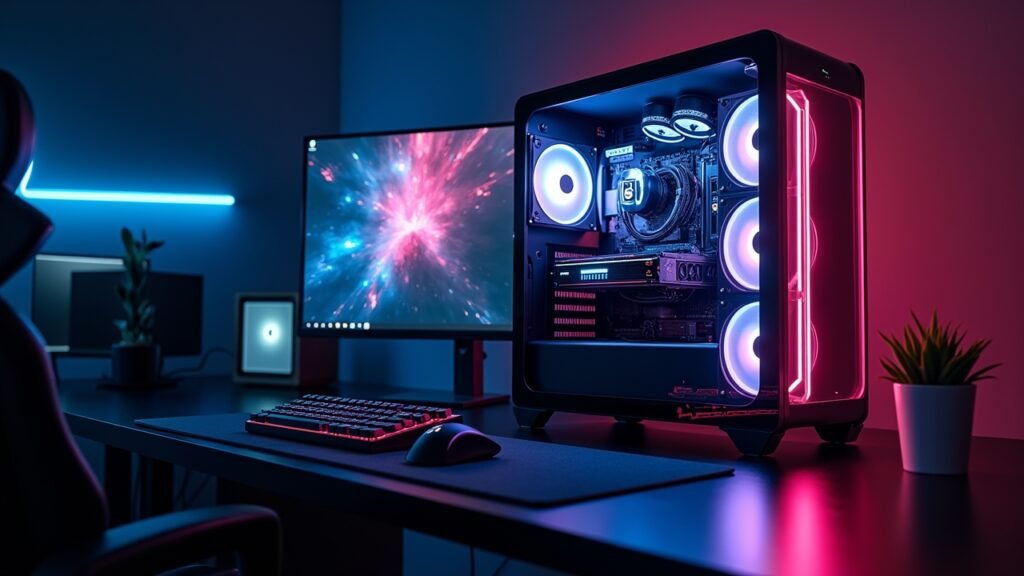
Gaming PCs are basically built around one main goal: pushing those frame rates as high as possible while keeping your graphics looking gorgeous. When I built my first gaming setup, I threw like 60% of my budget into a beast of a GPU – an RTX 3080 at the time.
The CPU was kind of an afterthought, honestly. I went with a solid 6-core processor that handled games perfectly fine, but here’s where things got messy later on.
Your typical gaming build focuses on:
- High-end graphics card (GPU) as the star of the show
- Decent CPU with strong single-core performance
- 16GB of RAM (which is usually plenty for gaming alone)
- Fast SSD for quick load times
- Good cooling to keep that GPU from melting
Gaming workloads are pretty straightforward – they hammer your graphics card while the CPU just kinda chills in the background handling game logic and physics. It’s a beautiful, simple relationship when you’re just gaming.
When Streaming Changes Everything
Now here’s where I face-planted spectacularly. The moment I hit that “Start Streaming” button in OBS Studio, my smooth 144fps gaming experience turned into a choppy nightmare that looked like a PowerPoint presentation!
Streaming adds a completely different workload to your system. You’re not just running the game anymore – you’re also encoding video in real-time, managing stream overlays, running chat bots, and probably Discord too because your squad needs to flame you for those missed shots.
A dedicated streaming PC shifts the priority dramatically:
- CPU becomes the absolute king (think 12+ cores)
- GPU can actually be more modest since it’s not rendering games
- 32GB of RAM minimum (trust me on this one)
- Capture card to grab footage from your gaming PC
- Multiple monitors to manage everything
The encoding process is what kills most gaming PCs when you try to stream. Software encoding (x264) eats CPU cores for breakfast, and even hardware encoding (NVENC) takes a toll on your gaming performance.
The Two-PC Setup: My Game Changer
After about six months of frustration and dropped frames, I finally bit the bullet and built a separate streaming PC. Best decision ever, no joke.
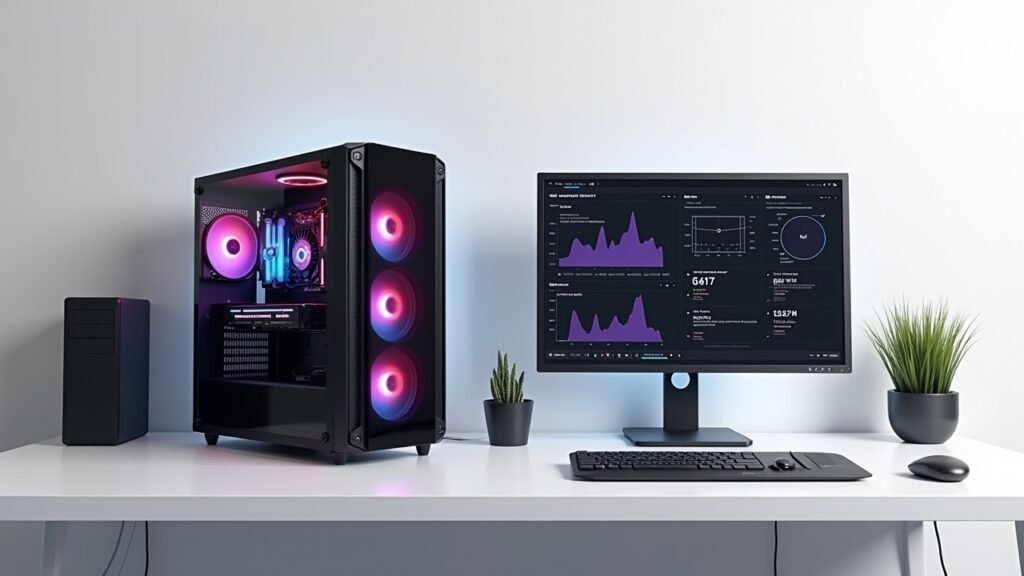
Here’s how a dual PC setup actually works in practice. Your gaming PC does what it does best – runs games at max settings and high framerates without worrying about anything else. Then you use a capture card to send that video signal to your streaming PC, which handles all the encoding, overlays, and broadcasting to Twitch or YouTube.
The difference was night and day! My gaming performance went back to buttery smooth, and my stream quality actually improved because the streaming PC could dedicate all its resources to encoding.
Yeah, it’s more expensive upfront. But if you’re serious about streaming consistently, it’s worth every penny in my experience.
Can One PC Do Both Jobs?
Okay, real talk – you absolutely can stream and game on one PC if you build it right. I’m not gonna lie and say you need two computers to start streaming, because that’s simply not true.
The key is building with streaming in mind from the start. You’ll want something like a Ryzen 9 or Intel i9 with at least 8-10 cores, paired with a high-end GPU that has good NVENC support. 32GB of RAM is basically mandatory here, not optional.
Modern GPUs from Nvidia have gotten really good at hardware encoding with minimal performance impact. The RTX 4000 series especially handles streaming way better than older cards did, though you’re still gonna see some FPS drops compared to pure gaming.
Single PC streaming works great for casual streamers or those just starting out. Just don’t expect to stream competitive games at 240fps while maintaining perfect stream quality – physics doesn’t work that way unfortunately.
Finding Your Perfect Setup
Look, everyone’s situation is different, and that’s totally okay. When I started, I couldn’t afford a second PC and made it work with what I had – the streams weren’t perfect, but they got me going.
Think about your actual goals before dropping cash on hardware. Streaming twice a week for fun? A beefy single PC will serve you well. Trying to build a streaming career with daily broadcasts? Start saving for that second rig, because you’ll want it eventually.
The tech keeps improving too, which is both exciting and kinda annoying when you just bought new stuff! But that’s the PC world for you – there’s always something better around the corner, and you just gotta make peace with that reality.
Remember that your stream quality matters more than having the absolute latest hardware. I’ve seen partnered streamers running older setups that look amazing because they nailed their settings and lighting. Don’t let gear paralysis stop you from hitting that go live button!
Ready to Level Up Your Setup?
Whether you go with a dedicated streaming PC or a powerful all-in-one build, the most important thing is understanding what each component actually does for your specific needs. I wasted money on the wrong priorities at first, but hopefully you won’t make the same mistakes!
Want more tips on building the perfect streaming or gaming setup? Head over to Voltzora where we’ve got tons of guides covering everything from cable management (which I still suck at) to optimizing your stream settings for different platforms. We’re all learning together, so come hang out and share your own experiences!