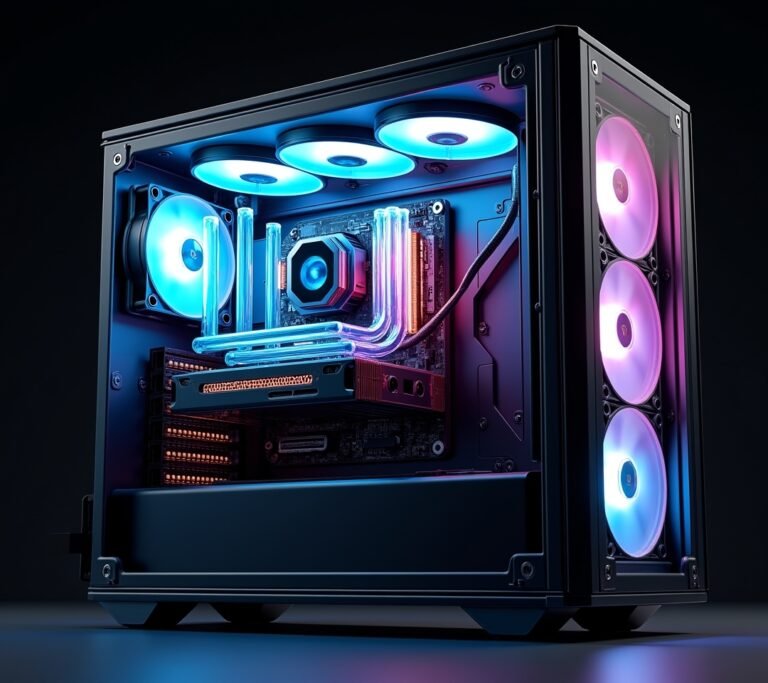
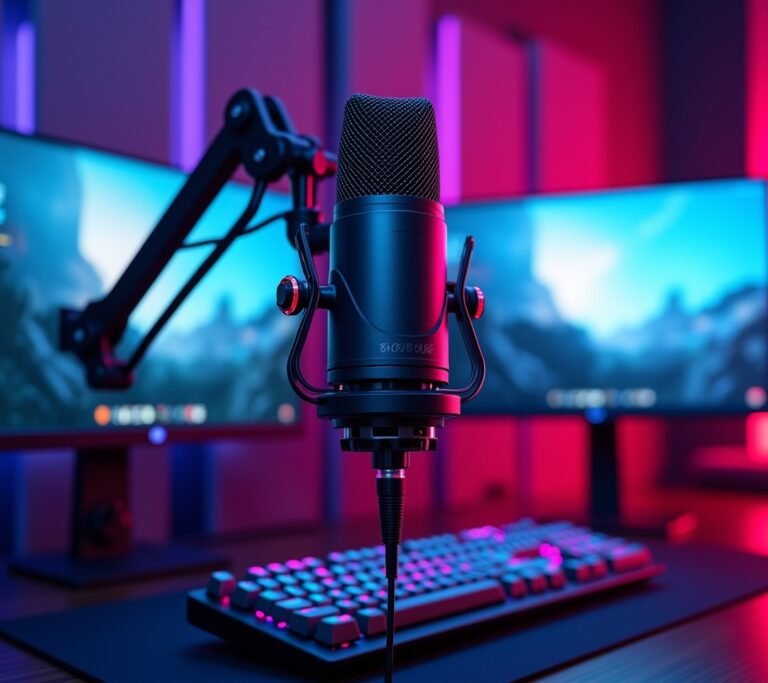
Here’s something nobody tells you about gaming setups: you’ll spend more time thinking about RGB lighting than the desk that’s gonna support your entire battlestation! I learned this the hard way when I dropped $2,000 on a killer gaming rig, only to plop it on a wobbly $50 desk from a big-box store. My back hurt for weeks, and honestly, my K/D ratio suffered too because I was constantly adjusting my setup.
Look, choosing the right gaming desk isn’t as sexy as picking out the latest GPU. But trust me, it’s just as important for your overall gaming experience and your health.
Why Your Desk Choice Actually Matters More Than You Think
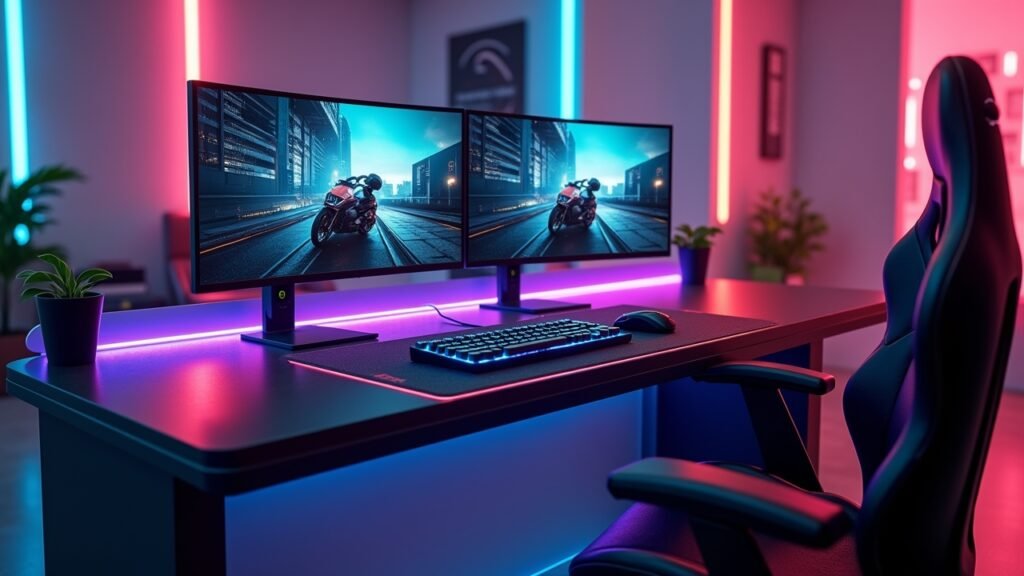
I used to think a desk was just a desk. Boy, was I wrong. After three years of testing different setups (and yes, dealing with a collapsed desk that nearly destroyed my monitor), I’ve learned that proper ergonomics can make or break your gaming sessions.
The right gaming desk affects everything – from cable management to monitor placement to how your wrists feel after a 6-hour marathon session. Plus, let’s be real, it’s gotta look good enough that you actually want to sit there.
Size Matters (Really, It Does)
My first gaming desk was 40 inches wide. Seemed fine at the store! Then I got home and realized my dual monitor setup, keyboard, mouse, and that massive microphone arm barely fit. Everything felt cramped, and I was constantly knocking stuff over during intense gaming moments.
Here’s what I wish someone had told me: measure your space twice, buy once. You’ll want at least 55-60 inches of width if you’re running dual monitors, and honestly, 60+ inches is the sweet spot for most gaming setups. Depth is crucial too – aim for 24-30 inches so your monitors aren’t right in your face.
Don’t forget about height! Standard desks sit around 29-30 inches, but adjustable height desks changed my life. Being able to switch between sitting and standing during those long gaming sessions? Game changer.
Material Choices That Won’t Let You Down
So here’s where I really messed up initially. I bought this beautiful glass desk thinking it would look super modern and sleek. Within two weeks, it was covered in fingerprints, and every mouse movement echoed through the whole thing. Plus, I was constantly worried about setting down my coffee too hard.
These days, I’m all about that solid wood or thick engineered wood life. MDF with a good laminate finish works great too and won’t break the bank. Some folks swear by metal frame desks with wooden tops – sturdy as heck and they can handle whatever you throw at ’em.
Carbon fiber desks look amazing but they’re pricey. Just make sure whatever material you choose can support at least 200 pounds comfortably, especially if you’re planning to mount monitors or add equipment later.
Features That Actually Make a Difference
Cable management. Oh man, if I could go back in time, I’d tell younger me to prioritize this feature above almost everything else. My current desk has built-in cable grommets and a wire management tray underneath, and it’s been an absolute lifesaver. No more tangled mess of cables that looks like spaghetti gone wrong!
Here’s my must-have feature list:
- Cable management solutions (grommets, trays, or channels)
- Monitor mount compatibility – check if the desk surface can support a VESA mount
- Weight capacity clearly stated (don’t trust cheap listings)
- Leveling feet for uneven floors (my apartment floor is tilted, discovered this the hard way)
- Accessory mounting points for headphone hooks or RGB strips
Some gaming desks come with built-in RGB lighting, cup holders, and headphone hooks. Are they necessary? Nah. Are they kinda cool? Yeah, actually. Just don’t let the flashy stuff distract you from the basics.
Budget Real Talk
Look, you can spend anywhere from $150 to $1,500+ on a gaming desk. I’ve been on both ends of that spectrum. My advice? Aim for the $300-$600 range if you’re serious about gaming but not trying to go broke.
The cheap desks under $150 usually have wobble issues and won’t last more than a year or two with heavy use. The super expensive ones above $800 often have features you don’t really need unless you’re a full-time streamer or content creator.
Whatever your budget is, invest in quality over aesthetics. A sturdy, boring-looking desk beats a wobbly “gaming” desk with LED lights every single time.
Your Perfect Setup Awaits

Finding the right gaming desk took me three tries and probably too much money spent on Amazon returns. But now that I’ve got a setup that works, gaming feels completely different. My posture’s better, my equipment is organized, and honestly, I just enjoy sitting down to play more.
Remember, your gaming desk should grow with your setup. Leave room for future upgrades, prioritize comfort and ergonomics, and don’t get sucked into buying something just because it has “gaming” in the name and looks like a spaceship.
Want to learn more about optimizing your gaming setup? Check out our other guides and reviews at Voltzora – we’ve got tons of articles covering everything from monitor arms to acoustic panels that’ll help you build the ultimate gaming sanctuary!