The Best Gaming Microphones for Streaming in 2026: What I Wish I Knew Before Wasting My Money
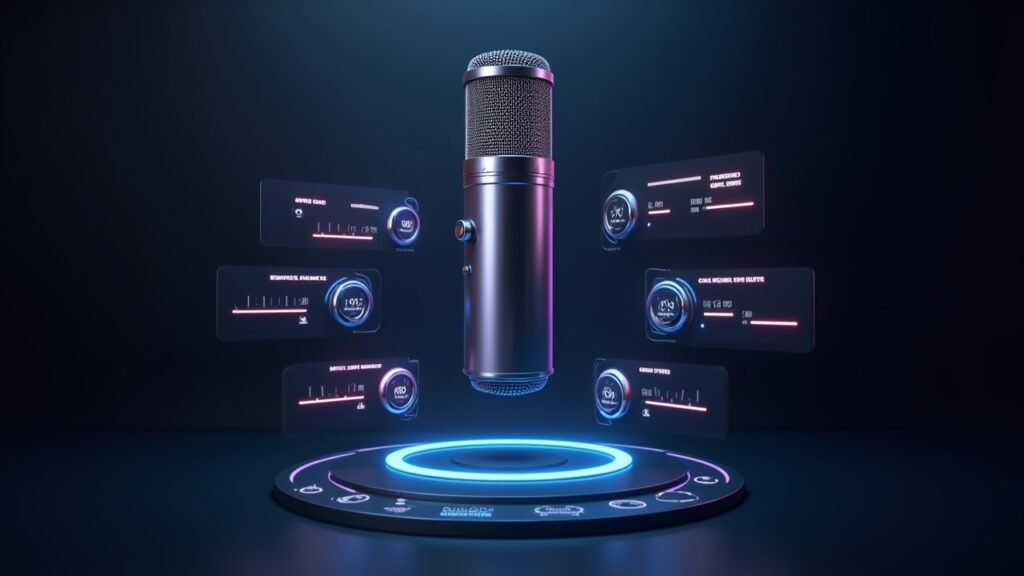
Here’s a fun stat that blew my mind — over 70% of viewers say they’ll leave a stream because of bad audio before they’ll leave over bad video. I learned that the hard way. When I first started streaming on Twitch a couple years ago, I dropped serious cash on a fancy webcam and completely ignored my microphone situation. Huge mistake.
If you’re getting into live streaming or content creation, your gaming microphone is honestly the single most important piece of gear you’ll buy. Let me walk you through what I’ve learned so you don’t repeat my dumb mistakes.
USB vs XLR Microphones: Which One Do You Actually Need?
Okay so this was the first thing that tripped me up. USB microphones plug straight into your computer and they just work — no extra gear needed. XLR microphones require an audio interface or mixer, which adds cost but gives you way more control over your sound.
For most people just starting out with streaming, a USB condenser mic is the move. I started with a Blue Yeti and honestly it served me well for almost a year. But once I got more serious about audio quality, I switched to an XLR setup and the difference was night and day.
If you’re on a budget, don’t let anyone tell you that you need an XLR setup right away. That’s nonsense. A solid USB mic will get you sounding professional enough to build an audience.
My Top Picks for Streaming Microphones Right Now
After testing way too many mics over the past few years — my wife thinks I have a problem, and she’s probably right — here are the ones I keep coming back to.
HyperX QuadCast S — This thing looks incredible on camera with its RGB lighting, and the built-in pop filter is a lifesaver. Great for gaming and streaming without breaking the bank.
Elgato Wave:3 — The software integration with Elgato Wave Link is honestly what sold me. You get crazy control over your audio mix, which is clutch when you’re managing game audio, alerts, and your voice simultaneously.
Shure SM7B — Yeah it’s expensive and yeah it’s XLR so you’ll need an interface like the Focusrite Scarlett. But man, there’s a reason every big streamer and podcaster uses this thing. The broadcast quality vocal pickup is unmatched.
Audio-Technica AT2020USB+ — A reliable workhorse that’s been around forever. Nothing flashy, just clean and clear audio reproduction at a reasonable price point.
The Mistakes That Made My Stream Sound Terrible
So here’s where I get a little embarrassed. For my first three months of streaming, I had my microphone gain cranked all the way up and couldn’t figure out why my audio was clipping constantly. My chat was roasting me and I deserved it lol.
Another thing — room treatment matters more than you think. I was streaming in a room with hardwood floors and bare walls, and the echo was picked up by my condenser mic like crazy. Even throwing a cheap blanket on the wall behind my monitor made a noticeable difference. You don’t need professional acoustic panels to start, though eventually I grabbed some from Amazon and it helped a ton.
Also, and this one’s important, a boom arm or desk mount changes everything. Holding your mic at the right distance — usually about 6 to 8 inches from your mouth — keeps your levels consistent. I use the Rode PSA1 boom arm and its been rock solid.
Quick Settings Tips for OBS and Streaming Software
Once you’ve got your mic, don’t forget to set up noise suppression and a noise gate in OBS Studio or whatever broadcasting software you use. A noise gate keeps your keyboard clicks and background noise from bleeding through when you’re not talking. Game changer for real.
I’d also recommend running a quick test recording before every stream. Takes thirty seconds and saves you from discovering audio issues after you’ve been live for an hour. Trust me on this one.
Your Stream Deserves Better Audio
Look, upgrading your streaming microphone setup doesn’t have to cost a fortune, but it does require a little research and some trial and error. Start with what fits your budget, learn proper mic technique, and treat your room even just a little bit. Your viewers — and your future self — will thank you for it.
If you found this helpful, make sure to check out more gear guides and streaming tips over at Voltzora. We’re always testing new stuff so you don’t have to waste your money figuring it out alone!