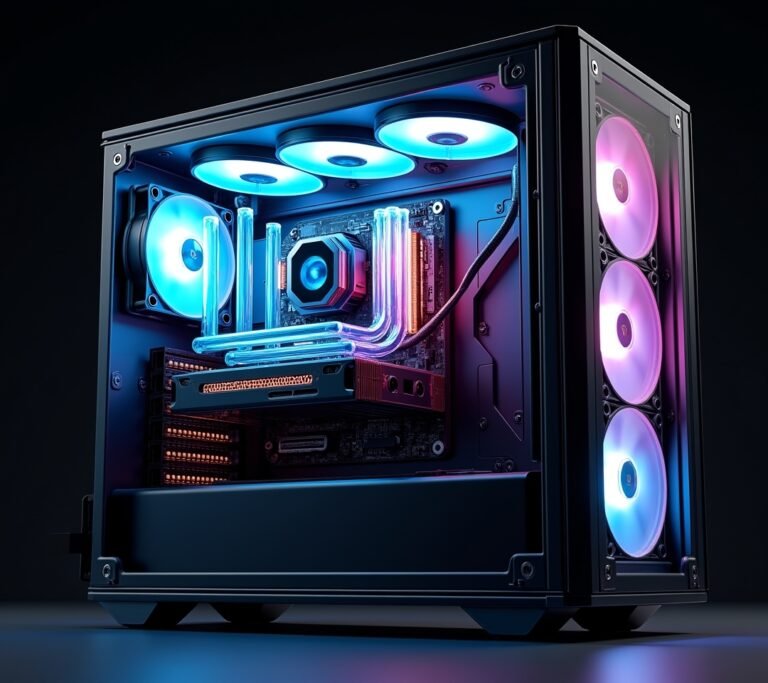
So here’s the thing – I once dropped $800 on a graphics card that literally couldn’t fit in my case. Yeah, I’m that guy. I was so hyped about the specs and the RGB lighting that I completely forgot to measure my PC tower. Had to return it, pay restocking fees, and my gaming buddies never let me live it down! But you know what? That embarrassing moment taught me more about GPU shopping than any tech article ever could.
Buying a graphics card in 2026 isn’t just about throwing money at the biggest numbers anymore. With prices ranging from $200 budget cards to $2000 enthusiast monsters, making the wrong choice can hurt your wallet and your gaming experience for years.
Know Your Gaming Habits (Seriously, Be Honest With Yourself)
Before you even look at GPU benchmarks, let’s talk real. What do you actually play? I spent three months researching high-end cards for “future-proofing” when 90% of my gaming time was spent on indie games and Minecraft with my nephew. Talk about overkill.
Here’s what I learned through trial and error. If you’re playing competitive shooters like Valorant or esports titles, you don’t need a 4K powerhouse – you need consistent frame rates at 1080p. Meanwhile, if you’re into ray tracing and want those gorgeous reflections in Cyberpunk 2077, that’s a different beast entirely.
The resolution of your monitor matters more than most people think! Running a 1080p display? A mid-range card will serve you beautifully. Got a fancy 1440p ultrawide? Now we’re talking serious GPU power.
Understanding VRAM (And Why I Ignored It At First)
VRAM was something I completely glossed over during my first build. Figured more was always better, right? Well, sort of. Video memory determines how well your card handles textures and high-resolution gaming, and it’s honestly one of the most important specs.
For 1080p gaming, 8GB of VRAM is the sweet spot right now. When I upgraded to 1440p though, games started stuttering because my 6GB card was maxing out. It was frustrating as heck! Now I recommend 12GB minimum if you’re gaming at higher resolutions or doing any content creation on the side.
Here’s a practical tip from my mistakes – check actual game requirements for titles you play. Some newer AAA games are absolutely brutal on VRAM, especially with ray tracing enabled.
The Great Debate: AMD vs NVIDIA
Oh boy, this is where people get passionate! I’ve owned cards from both camps, and honestly? They’re both great for different reasons.
NVIDIA generally has better ray tracing performance and their DLSS technology is pretty incredible for boosting frame rates. I remember the first time I enabled DLSS 3.5 – gained like 40 FPS instantly. Mind-blowing stuff. Plus, their drivers have been rock solid in my experience.
AMD cards though, they usually offer more bang for your buck. Their newer RDNA architecture competes really well with NVIDIA, and if you’re not obsessed with ray tracing, you can save a couple hundred bucks. I switched to an AMD card for my secondary PC and haven’t regretted it one bit.
Power Supply and Physical Space (Learn From My Pain)
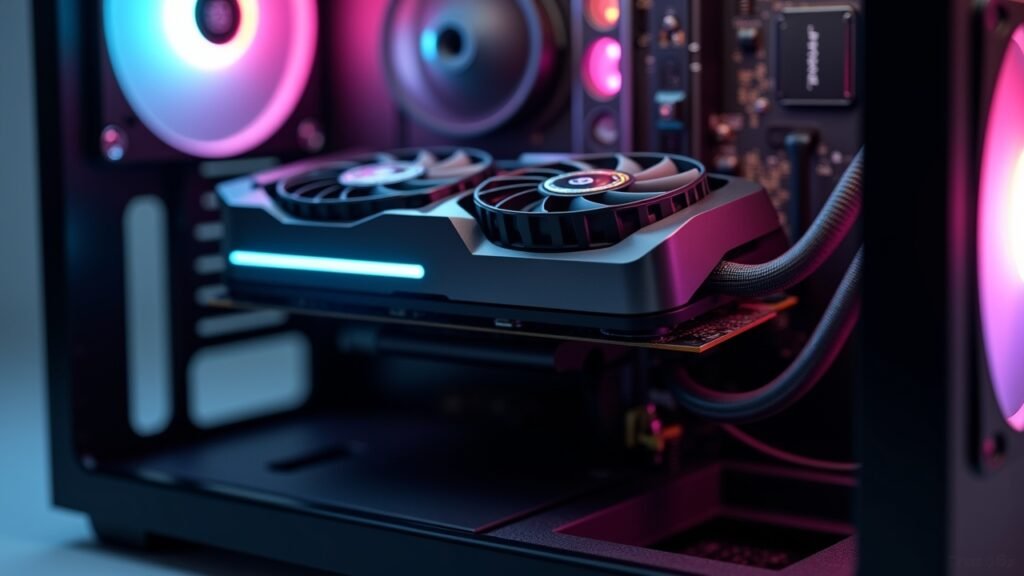
Remember that $800 mistake I mentioned? Don’t be like past me. Measure your case before buying anything! Modern GPUs are absolute units – some stretch nearly a foot long and take up three expansion slots.
Your power supply matters too. I tried running a power-hungry card on a budget 500W PSU once, and my computer would randomly shut off during intense gaming sessions. Turned out I was pulling too much power. Most high-end GPUs need 650W minimum, sometimes 750W or more.
Check the manufacturer specs carefully. Look for the recommended PSU wattage and make sure you have the right power connectors – many newer cards need two or even three 8-pin PCIe cables.
Timing Your Purchase (Patience Is Actually a Virtue)

Here’s some wisdom that took me way too long to learn – graphics card prices fluctuate like crazy. I bought a card right before a price drop once and felt like such a chump watching it go $150 cheaper two weeks later.
Major sales happen around Black Friday and when new GPU generations launch. The older generation cards often see massive discounts, and honestly, last-gen cards are still incredibly capable. My buddy picked up a previous-gen card for 40% off and it absolutely crushes everything he plays.
Also, don’t fall for the hype! New launches are exciting, but early adopters sometimes deal with driver issues and inflated prices. Unless you absolutely need the latest tech, waiting a few months usually pays off.
Ready to Pull the Trigger?
Look, buying a graphics card doesn’t have to be this overwhelming experience that keeps you up at night. I’ve been there, sweating over spreadsheets and benchmark videos at 2 AM. But here’s the truth – match the card to your actual needs, not some imaginary future where you suddenly become a 4K gaming enthusiast.
Make sure it physically fits, that your power supply can handle it, and that you’re getting good value for your budget. Those three things alone will save you from most headaches. And hey, even if you make a mistake, you’ll have a great story to tell!
Want more tech tips from someone who’s learned everything the hard way? Head back to Voltzora and check out our other guides – we’ve got your back on all things PC building and gaming!