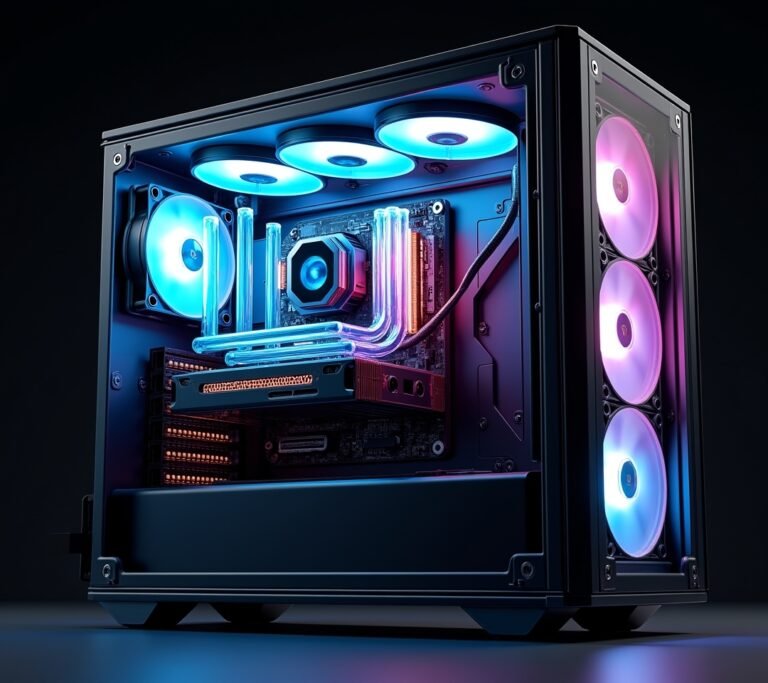
So here’s the thing – I spent like three months planning my first gaming PC build back in 2019, and I got absolutely obsessed with RGB lighting. I’m talking every single component had to light up like a disco ball! Fast forward to today, and I’ve built maybe six or seven PCs for myself and friends, and honestly? The whole RGB debate is way more interesting than most people think.
Look, the question isn’t really “which is better” – it’s more about what actually matters for YOUR build. And yeah, I learned this the hard way after my RGB-everything build ran me about $300 more than it needed to.
What Exactly Are We Talking About Here?
RGB components are PC parts that include programmable LED lighting – you know, the stuff that makes your computer look like it belongs in a sci-fi movie. We’re talking about RAM sticks, CPU coolers, case fans, graphics card shrouds, even motherboards with built-in lighting.
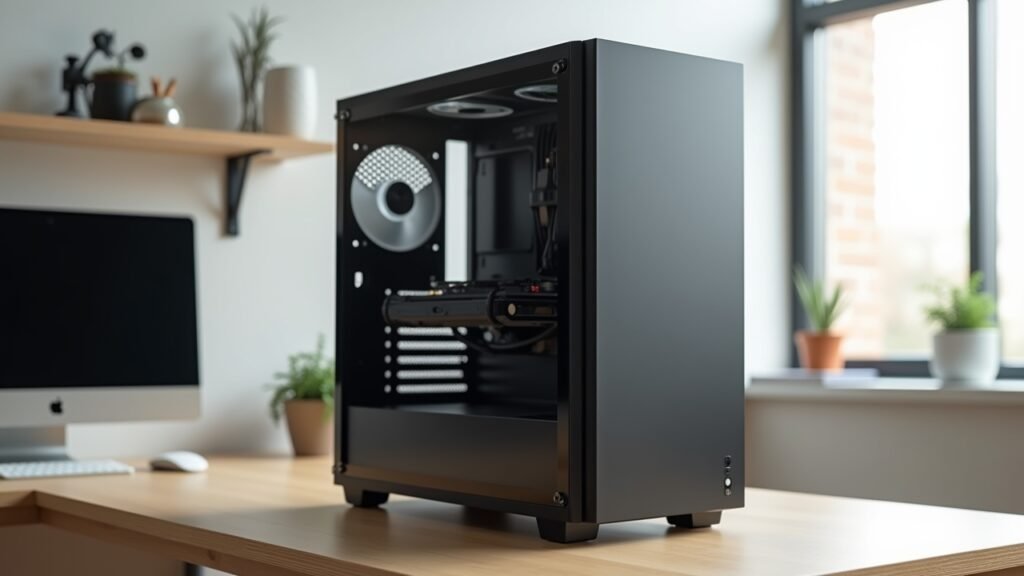
Non-RGB components? They’re just regular parts without the light show. Simple as that.
The thing is, both types do the exact same job performance-wise. A Corsair Vengeance RGB RAM stick runs at the same speed as the non-RGB version – you’re literally just paying for those pretty lights.
The Real Performance Difference (Spoiler: There Isn’t One)
This is gonna sound obvious, but I’ve had people argue with me about it. RGB lighting does NOT make your PC faster. Zero performance gains.
I actually tested this myself because I’m kind of a nerd like that. Same build, swapped RGB fans for regular ones, ran benchmarks. Guess what? Identical results.
The only “performance” difference you might see is actually negative – some RGB components draw slightly more power. We’re talking maybe 5-10 watts extra for a fully RGB’d out system. Not gonna break the bank, but it’s there.
Where RGB Components Actually Cost You
Alright, let’s talk money because this is where it gets real. Here’s what I’ve noticed price-wise:
- RGB RAM typically costs $15-30 more than non-RGB versions
- RGB case fans? Add about $10-15 per fan compared to standard ones
- RGB CPU coolers can be $20-40 pricier
- Then you might need an RGB controller hub – that’s another $30-50
Do the math on a full build and you’re easily looking at $100-200 extra just for aesthetics. That money could’ve gone toward a better GPU or more storage, which would’ve actually improved my gaming experience!
The Software Headache Nobody Warns You About
Oh man, this is where I really got frustrated with RGB stuff. Every manufacturer has their own software – Corsair iCUE, ASUS Aura Sync, MSI Mystic Light, the list goes on.
Getting them all to play nice together? Good luck with that. I spent an entire Saturday trying to sync my RAM with my motherboard lighting, and they just wouldn’t cooperate. Sometimes the software conflicts with each other, sometimes it just crashes randomly.
Non-RGB components? Plug ’em in and forget about ’em. No software bloat, no compatibility issues, no random LED patterns when your computer boots up at 2 AM and lights up your whole bedroom (yes, that happened to me).
When RGB Actually Makes Sense
Look, I’m not totally against RGB – I’d be lying if I said my current build doesn’t have some lighting. But here’s when it’s actually worth considering:
If you’re streaming or creating content, RGB can make your setup look professional on camera. It’s become kinda expected in that space, honestly.
Got a windowed case on your desk where you’ll see it every day? Then yeah, maybe some tasteful RGB fans or RAM would be nice. I went with just a single RGB strip in my current build – gives enough ambiance without breaking the bank.
Building a PC for someone as a gift? RGB definitely has that “wow factor” when they first see it. My nephew absolutely lost it when I built him an RGB gaming rig for his birthday.
The Non-RGB Advantages You Don’t Think About
Besides saving money, non-RGB builds have some lowkey benefits that I’ve grown to appreciate over time.
They’re quieter sometimes – less electronics means less potential coil whine or buzzing. My non-RGB build is noticeably quieter than my old RGB one was.
Better component selection too. Some of the best performing parts don’t come in RGB versions. That Noctua NH-D15 cooler? Ugly as sin, no RGB, but it’s one of the best air coolers money can buy.
And honestly? There’s something clean about an all-black build with no lighting. It looks mature, professional, and doesn’t scream “gamer” if that matters for your space.
My Honest Take After Building Both Types
Here’s what I tell people now when they ask – start with performance, add RGB if budget allows. Don’t sacrifice a better GPU or CPU just to make your RAM glow.
If you’re building on a tight budget, skip RGB entirely. Put that money toward components that’ll actually improve your experience. You can always add RGB strips or fans later if you really want them.
For my next build? I’m probably going minimal RGB again. Maybe some nice white lighting in the case, but I’m done with the rainbow vomit look. Been there, done that, got the overpriced components to prove it!
Making Your Choice Without Regrets
The truth is, there’s no wrong answer here – it’s your build, your money, your aesthetic. Just be honest with yourself about what matters.
If RGB makes you happy every time you look at your PC, then it’s worth it! I’m not here to judge. But if you’re on the fence, I’d say save the money and invest in better performance components first.
The components inside your case matter way more than how they look. Your gaming experience depends on framerates and load times, not whether your RAM matches your motherboard’s color scheme.
Want to dive deeper into PC building decisions and get more real-world advice? Check out the other guides we’ve got here at Voltzora – we cover everything from component selection to troubleshooting, all with the same keep-it-real approach. Because honestly, building PCs should be fun, not stressful!